How to Optimize Mobile Live Shopping Experience: Proven Tactics for Higher Conversions
Mobile live shopping dominates social commerce, but most retailers lose conversions to poor user experience. See what actually works to optimize mobile live shopping experience and win sales on every stream.
Mobile commerce dominates shoppable streams. Nearly eight out of ten retail site visits now happen on a smartphone, yet most retailers still lose sales to fussy navigation, clunky checkouts, or video interfaces that just aren’t built for thumbs.1
If you want viewers to actually buy during your live streams (instead of just watching, then leaving), you need to optimize the mobile live shopping experience from the first tap to the final checkout.
Why Mobile UX Decides Your Live Shopping Results
Mobile live shopping isn’t just a mini version of desktop. Small screens mean big stakes: attention spans are shorter, sessions are fragmented, and checkout pain points get magnified. If a customer can’t easily browse, interact, and purchase right from the stream, you’re losing them, often in seconds.
The upside? Most viewers are already in a buying mood, especially on TikTok Shop, Instagram Shopping, or Facebook Live. They’ll convert if you make the path frictionless.
Get the Basics Right: Mobile-First Live Stream Design
- Responsive layouts. The stream, product cards, and buy buttons have to fit and resize smoothly on any device. No pinching or squinting required. Prioritize the 6.5-inch screen experience.
- Clear, actionable navigation. Always-visible floating product cards, a sticky cart icon, and one-tap access to checkout, all in thumb reach.
- Minimal distractions. Keep overlays, pop-ups, and banners minimal or easy to dismiss. The focus should stay on the live video and shop actions.
Maximize Engagement: Interactivity that Works on Mobile
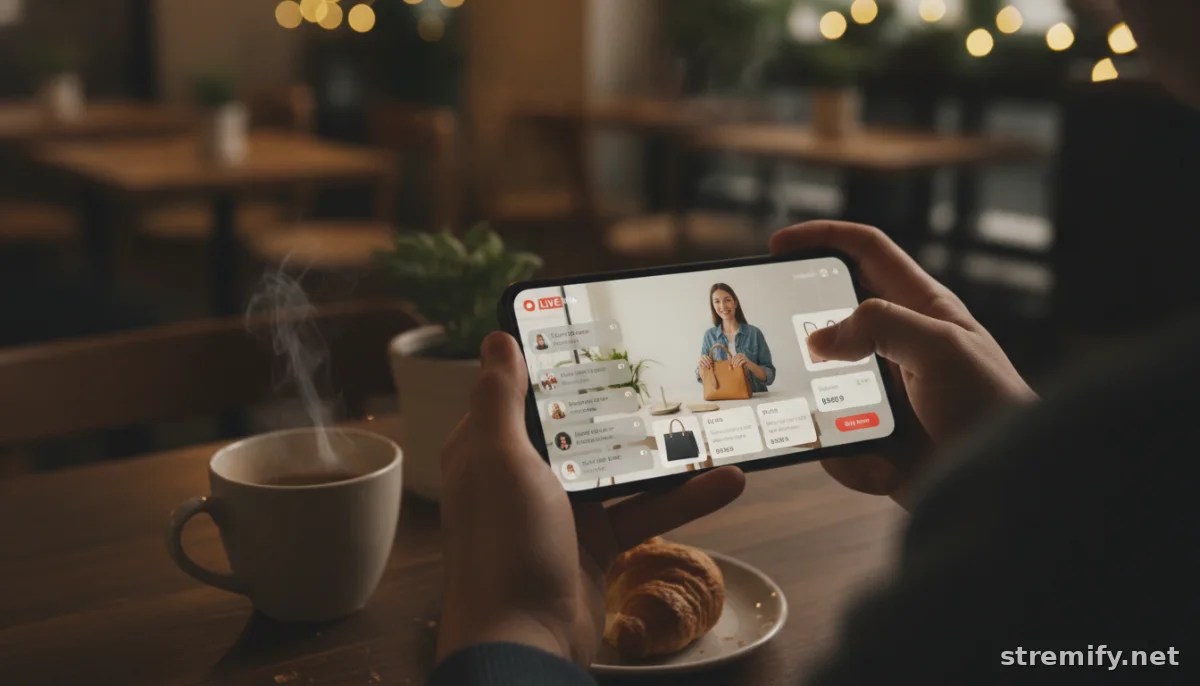
Attention is your rarest currency on mobile. The fastest way to lose it: ignoring the chat or running a flat, TV-style stream. Instead, give viewers something to do every minute they watch.
- Live quizzes and polls. Tools like Stremify let you trigger quizzes directly in-stream, no switching apps or tabs. These keep viewers tapped-in and turn passive watching into active participation.
- Comment-to-buy ordering. Let shoppers buy by typing a short code or product name in chat, then confirm and pay without ever leaving the stream. We’ve seen up to 30 percent more orders when shoppers can buy directly this way (instead of redirecting them to a cart page).
- Real-time support. Offer live chat or messaging for questions and instant help. Fast, human responses close sales that would vanish otherwise.
Perfect the Checkout: Short, Secure, and Mobile-Optimized
This is where most mobile live shopping experiences break down. If your checkout takes more than one or two screens, you’re bleeding orders. Here’s how to fix it:
- One-tap checkout. Let customers fill forms with autofill, use Apple Pay or Google Pay, or pay-in-chat if your tech supports it.
- Progress bars. Show shoppers exactly how close they are to completion. It reduces drop-off and boosts confidence.
- Big, readable buttons. Make it impossible to mis-tap "Buy Now." All touch targets should be easily clickable, regardless of finger size.
- No outside links, no distractions. Avoid redirecting users away from checkout with unrelated offers, pop-ups, or signups.
- Visible trust signals. Security seals, SSL icons, and clear return policies build trust on mobile, where hesitation is high and switching is easy.
Table: Mobile Checkout Features That Boost Conversion
| Feature | Conversion Impact | Implementation Tip |
|---|---|---|
| One-tap payment (Apple Pay/Google Pay) | Significantly increases completed orders | Integrate via your payment gateway |
| Autofill-enabled forms | Reduces checkout time | Use correct input types for mobile |
| Progress bar | Decreases abandonment | Display step count at top |
| Comment-to-buy ordering | Higher impulse purchases | Activate in-stream purchase triggers |
| Live support chat | Recovers hesitant buyers | Place chat icon within thumb reach |
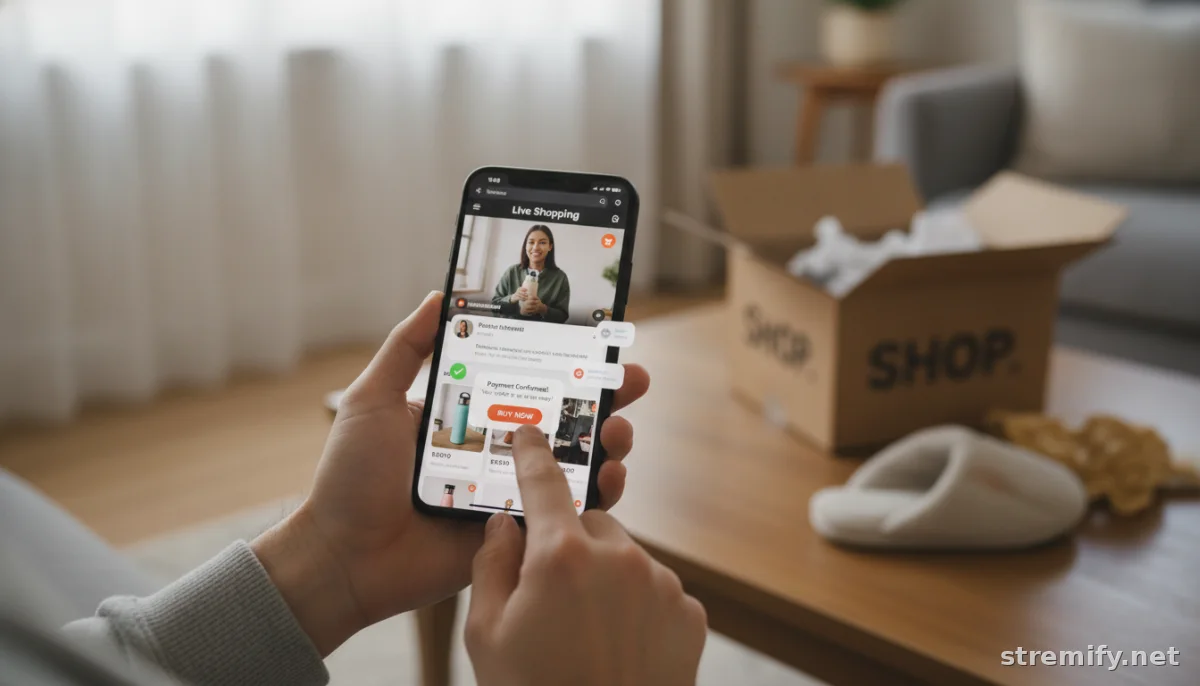
Tune for Speed and Clarity
Lag kills sales. Your stream, product images, and checkout should load instantly, even on spotty mobile data. Compress video and images for fast loading, and always offer a fallback if a feature fails.2 Every extra second of delay risks a bounce.
Personalize the Mobile Journey
AI-driven personalization isn’t just a buzzword, it’s how top brands trigger timely popups, product recommendations, and reminders based on live viewer behavior. Use behavioral data to surface products viewers are likely to buy, or trigger flash offers during lulls in chat. The more tailored the experience, the higher the conversion rate.
Omnichannel: Meet Shoppers Where They Are
Viewers don’t just stick to one app. You need to stream where your audience already scrolls: TikTok, Instagram, Facebook, YouTube, Twitch. Platforms like Stremify make this possible, one stream, everywhere at once, with full cart integration and real-time chat.
We’ve found that running a single campaign across multiple channels isn’t just about reach. It lets you spot which networks drive the most mobile conversions and tweak your approach in real time.
Final Tip: Keep Testing, Keep Evolving
The best mobile live shopping experiences come from constant iteration. Review heatmaps, session replays, and conversion data after every stream. Small tweaks to layout, chat prompts, and checkout flow quickly add up to big wins.
Mobile live shopping is moving fast. Don’t let your store feel stuck in 2021. If you want to see what a mobile-first, interactive shopping experience looks like, try Stremify. No studio required, just import your products, go live, and sell wherever your shoppers already are.
Frequently asked questions
How do I optimize mobile live shopping experience for higher conversions?
Focus on mobile-first design, one-tap checkout, clear product displays, and real-time interactivity like comment-to-buy or live polls. Make sure your site loads quickly and adapts to every screen size. Test and improve after every campaign.
What are common pain points for mobile live shopping viewers?
Viewers often struggle with small or poorly placed buttons, slow-loading streams, distracting overlays, and complicated checkouts. Short attention spans and device switching also make it easy for them to drop off before buying.
Which checkout features work best for mobile live shopping?
One-tap payments like Apple Pay or Google Pay, autofill-enabled forms, progress bars, and visible trust signals are proven to increase completed orders and reduce cart abandonment on mobile devices.
How important is mobile site speed for live shopping?
Site and stream speed are crucial. Slow video loads or checkout delays lead to high abandonment rates. Compress media, minimize scripts, and use a reliable platform to keep everything loading fast.
Can I run mobile live shopping across multiple platforms at once?
Yes, with platforms like Stremify you can broadcast a single live shopping stream to TikTok, Instagram, Facebook, YouTube, and Twitch at the same time, all with integrated checkout.