How to Measure Live Stream ROI: A Step-by-Step Guide for Merchants
Learn how to measure live stream ROI step by step. Discover the top KPIs, calculation methods, and reporting tools to drive real business impact from your live shopping events.
Running a live shopping event is one thing. Proving it paid off is another. Many merchants wonder how to measure live stream ROI in a way that actually means something for their business. Here’s your step-by-step guide to turning raw data from your live events into clear, actionable numbers you can use to justify your next campaign, or improve it.
Step 1: Define Clear Live Stream Goals
Before you can measure anything, you need to know what success looks like. Do you want to boost sales, grow your audience, or drive product awareness? Pick two to three concrete outcomes per event. For example, set a sales target, aim for a minimum number of new email signups, or track how many viewers engage with your live quiz.
Common mistake: being too vague. “Increase engagement” isn’t a real goal, “increase average watch time by 30% compared to last event” is. Tie each goal directly to a number you can measure with your platform’s analytics dashboard.
Step 2: Identify Your Most Relevant KPIs
Not all metrics matter equally. For most commerce-focused streams, your core KPIs will include:
- Sales revenue: The total value of orders placed during and immediately after the stream (often tracked via comment-to-buy features or unique discount codes).
- Conversion rate: The percentage of viewers who make a purchase. Divide buyers by total unique viewers.
- Average order value (AOV): Total revenue divided by number of buyers.
- Viewer engagement: Metrics like chat comments, poll responses, and quiz participation.
- New leads or followers: How many new contacts joined your CRM or social profiles during the event.
Track each KPI in your platform’s reporting tools. If your platform doesn’t break down sales by source, use unique codes or links for live viewers to make tracking easier. Platforms like Stremify offer real-time analytics and can pull product data directly from your store feed, simplifying this step.
Step 3: Calculate Live Stream ROI
ROI isn’t just a buzzword, it’s a formula. Here’s one that works for live shopping events:
| KPI | Formula | Example | What It Tells You |
|---|---|---|---|
| ROI (%) | (Net Profit / Cost) x 100 | ((€2,000, €500) / €500) x 100 = 300% | Overall campaign profitability |
| Conversion Rate (%) | (Buyers / Unique Viewers) x 100 | (40 / 800) x 100 = 5% | How many viewers became customers |
| Cost Per Acquisition (CPA) | Total Cost / Buyers | €500 / 40 = €12.50 | Average cost to win a customer |
Remember to include all event costs: streaming credits (for Stremify, pay-as-you-go), influencer fees, giveaways, and ad spend. Merchants often forget to factor in discount costs or staff hours, don’t let these sink your numbers.
Step 4: Use Post-Event Analytics for Insights
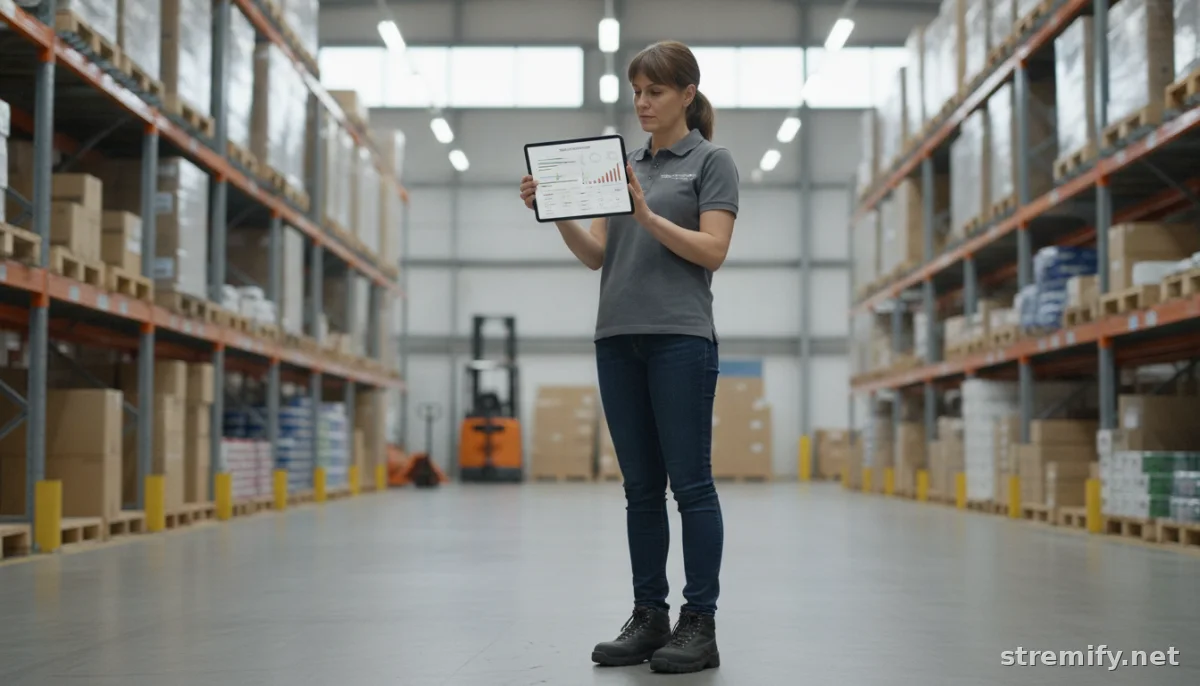
The event is over, but your learning isn’t. Access your platform’s analytics dashboard and pull the raw data for your chosen KPIs. Look beyond sales, where did viewers drop out? Which product demos got the most comments? Did a live quiz spike engagement?
Many merchants now use Q&A logs and chat activity summaries to see what resonated.1 With Stremify, you can export detailed reports that show not just who bought, but who interacted. Use this data to tweak your product lineup, refine your show flow, or schedule streams at the times your core viewers are active.
Step 5: Report Results and Plan Your Next Campaign
Summarize your findings in a clear report for your team or leadership. Include both hard numbers and a quick lessons-learned section. Did you meet your ROI target? Which KPIs underperformed? Screenshot charts or pull summary tables right from your live shopping platform’s dashboard.
Next, use your insights to plan smarter. If impulse purchases spiked during product demos, double down on interactivity for the next event. If viewers dropped off before checkout, shorten the stream or add urgency with limited-time offers. Measuring live stream ROI isn’t just about patting yourself on the back, it’s about building repeatable, scalable success.
Troubleshooting and Next Steps
Not seeing the ROI you expected? Double-check your data sources. Were all sales attributed correctly, or did some buyers slip through without codes? Are you counting unique viewers or just total playbacks? Use tracking links and promo codes to clean up attribution.
Finally, review both quantitative data (sales, conversions) and qualitative feedback (chat logs, polls). Sometimes a stream “fails” on sales but succeeds in growing your list or teaching you what to fix next time. With every event, your ROI picture gets clearer.
Ready to get more from your next campaign? Try a platform like Stremify for comment-to-buy shopping, real-time analytics, and interactive live quizzes, no monthly contracts, just credits when you need them. Smarter data, smarter ROI.
Frequently asked questions
What KPIs should I track to measure live stream ROI?
Track sales revenue, conversion rate, average order value, viewer engagement, and new leads acquired during the event. Choose the KPIs that best match your specific business goals.
How can I calculate the ROI of a live shopping event?
Subtract your total event costs from your net profit, then divide by the total cost and multiply by 100 to get your ROI percentage. Make sure to factor in every expense.
Is viewer engagement important for live stream ROI?
Yes, engagement metrics like live chat, poll participation, and quiz responses help you understand viewer interest and can lead to higher sales and long-term brand loyalty.
What tools can help with live stream ROI reporting?
Platforms like Stremify provide real-time analytics, sales tracking, and exportable reports, making it easier to assess the success of each live shopping campaign.
How do I attribute sales to a live stream?
Use unique discount codes, tracking links, or comment-to-buy tools so you can clearly separate sales made during the live stream from other sources.