Handling Customer Questions During Live Sales: Best Practices For Earning Trust and Closing More Deals in 2026
Real-time audience questions in live sales events can build trust and drive conversions, if you handle them right. Here’s how to master customer questions during live sales, with pro tips, stats, and practical tactics.
More than 80% of customers now expect an immediate answer to sales questions.12 Miss the moment, and you might lose the sale. Handle it well, and you gain a loyal buyer, maybe a repeat customer, too.
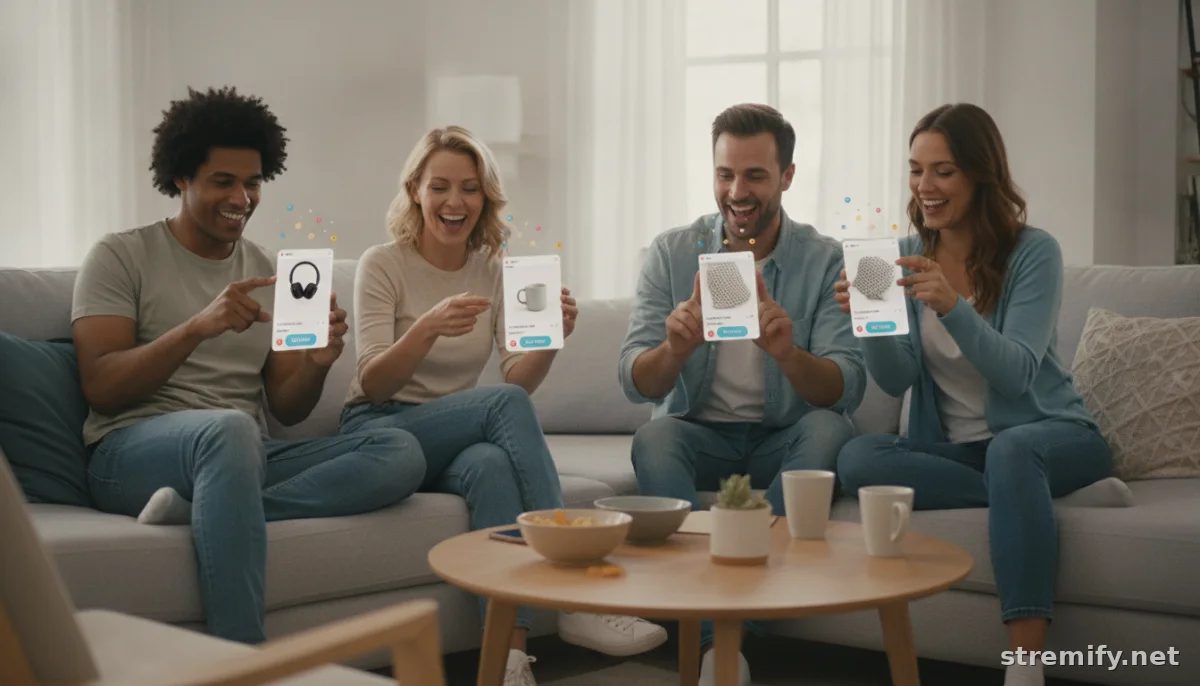
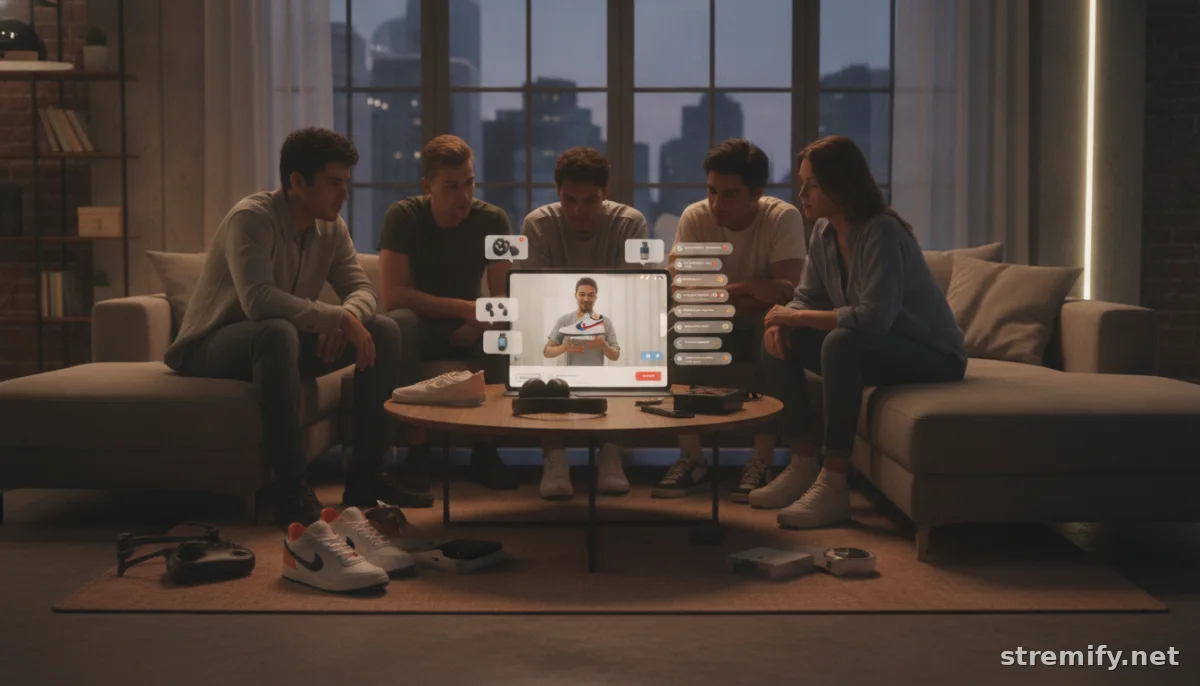
Live shopping events put customer questions front and center. Viewers want clarity and reassurance in real time. Respond well, and you’ll see more checkouts and stronger brand trust. Ignore or mishandle questions, and your audience may quickly move on to a competitor’s stream.
Why Customer Questions During Live Sales Matter
Shoppers are active participants. They size up your product, scrutinize your claims, and look for reasons to click “buy now.” Every unanswered question can block a conversion.
In 2026, more than 40% of consumers say they trust brands more when live chat is available.3 Quick, personal answers during live sales build credibility and drive purchases.
Best Practices: Responding to Customer Questions in Real Time
Winning at live sales isn’t just about slick product demos. It’s about being fast, clear, and personal with every question that pops up.
1. Prioritize Speed Without Sacrificing Quality
Shoppers expect answers in seconds. Platforms like Stremify and live chat tools show questions alongside your stream, so someone on your team (or you) should be ready to answer instantly. Still, don’t rush so much that you give incomplete info—half an answer is often worse than none.
2. Set Clear Roles for Your Team
If you’re running a bigger live event, divide and conquer. One person hosts, another moderates questions, a third adds context in chat. This way, nothing falls through the cracks, and your host can focus on energy and personality. Even solo creators can use pinned FAQs or automated replies for the most common questions.4
3. Repeat and Summarize Frequently Asked Questions Live
When you hear the same question more than once, address it for the entire audience. Repeat it out loud and give a clear, concise answer. This keeps everyone on the same page and reassures anyone who’s too shy to ask.
4. Be Transparent and Honest, Especially About Limitations
If you don’t know the answer, say so. Promise to follow up and actually do it. Real trust comes from transparency, not bluffing. If a product won’t work for a certain use case, explain why and suggest alternatives instead of dodging.
5. Use On-Screen Features to Highlight Answers
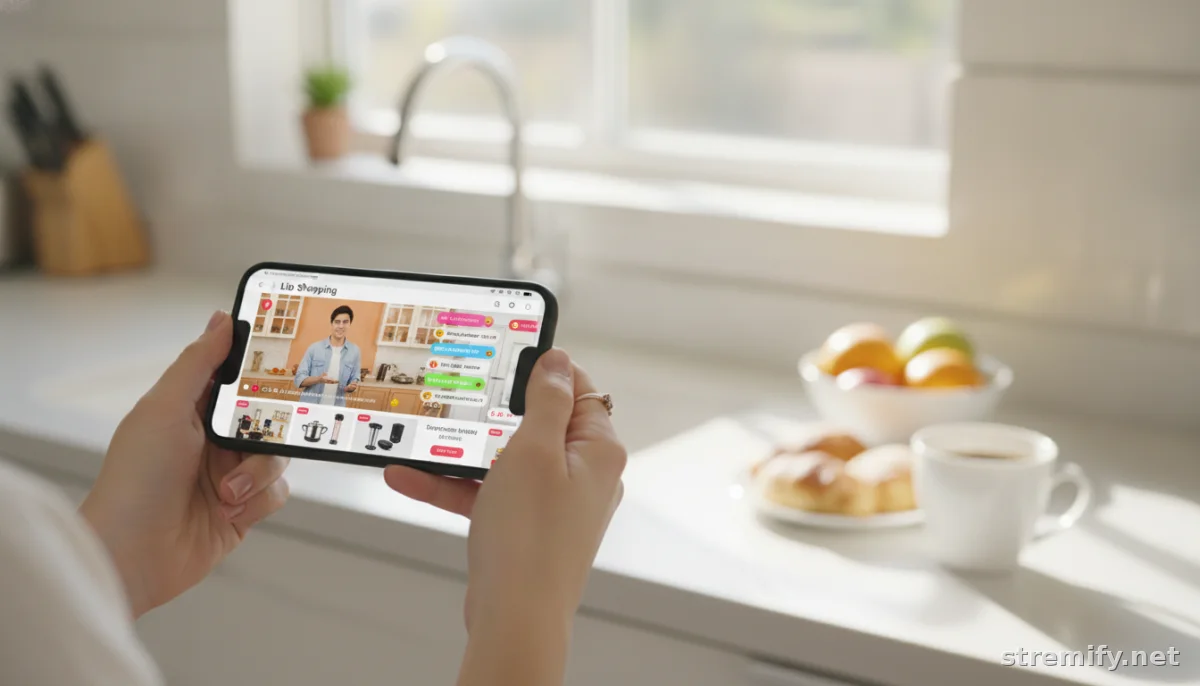
Platforms like Stremify offer on-screen overlays, pinned comments, and clickable links during streams. Use these to surface answers to common or complex questions. This helps latecomers and keeps the chat flowing smoothly.
What Types of Questions Should You Expect?
Expect a mix of the following:
- Product details: Size, color, fit, materials, compatibility, warranty
- Order process: Payment options, shipping times, returns, bundle deals
- Availability: Stock levels, restock dates, exclusives
- Comparisons: Between models or with competitors
- Troubleshooting: Set-up, usage tips, demo requests
Anticipate these before you go live. Prep a list of answers and have visuals ready. If you use a platform with a knowledge base or FAQ bot, keep it up to date and link it right in your stream description.
Table: Real-Time Response Tools vs. Traditional Support
| Support Method | Speed | Best For | Satisfaction Rate | Example Tools |
|---|---|---|---|---|
| Live Stream Chat | Instant | Product launches, sales events | 85% | Stremify, Instagram Live, Facebook Live |
| Live Chat Widget | 10-60 seconds | Website product pages | 87% | Shopify Chat, GreetNow |
| Email Support | 1-24 hours | Order issues, complex inquiries | 61% | Zendesk, Freshdesk |
| Phone Support | Immediate (if available) | High-ticket items, urgent problems | 82% | Call centers, VOIP systems |
Pro Tips for Handling Questions That Build Trust (and Sales)
- Personalize each response. Use the person’s name and refer directly to their question. “Great question, Alex, yes, this jacket is water-resistant.”
- Show, don’t just tell. If someone asks about fit, try on the item. If they want to know about battery life, demo it live.
- Invite follow-ups. After answering, ask if that’s clear or if they need more detail. This opens the door for more interaction and sales.
- Pin or highlight important info. Use your streaming tools to pin key details or show product cards linked to the answers.
- Document great questions. After your stream, update your FAQ or knowledge base with new questions that came up.
How Stremify Helps You Master Customer Questions During Live Sales
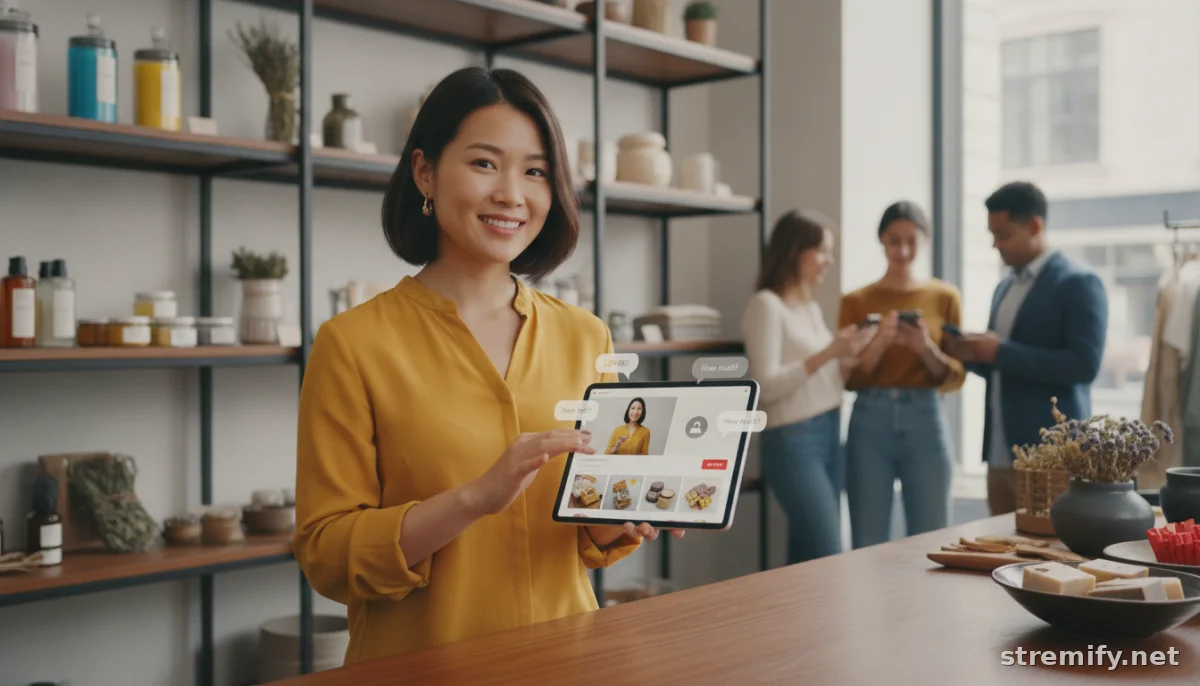
Stremify lets you stream shoppable events to all the big platforms, pin answers, run live polls, and keep the purchase journey frictionless. You can import product feeds, design a branded shop, and let users buy directly by commenting. The pay-as-you-go pricing with credits means you’re never locked into a monthly plan. In our experience running live shopping campaigns, letting shoppers buy directly in the stream by commenting keeps engagement high and reduces drop-off.
If you want to keep conversions high and your audience engaged, prioritize transparency, speed, and a human touch. Every question is a sales opportunity, treat it like one.
Ready to make the most of every live sale? Try Stremify and see how smoother conversations turn into bigger checkouts.
Frequently asked questions
Why are customer questions during live sales so important?
Real-time questions reveal what customers really care about. Answering them quickly builds trust and can remove buying barriers, which leads to more conversions and repeat sales.
How can I answer customer questions faster during live sales?
Assign a team member to monitor and respond to questions in real time. Use pinned FAQs, on-screen overlays, or chat highlights to quickly address common or repetitive questions.
What types of questions are most common during live sales events?
Shoppers often ask about product details, shipping, payment options, stock levels, and comparisons between items. Expect troubleshooting and demo requests too, especially when selling tech or fashion.
What’s the best tool for managing customer questions during live sales?
Platforms like Stremify let you stream to multiple channels, pin answers, and track what’s being asked. Choose tools that allow real-time interactions and highlight key info for all viewers.
How do I handle questions I don’t know the answer to during a live sale?
Be honest if you don’t know. Promise to follow up after the stream and actually do it. Audiences value transparency more than a rushed or incomplete answer.